
Figment
- 类型:角色扮演
-
评分:
- 版本:v1.1
- 语言:英文
- 大小: 125MB
- 更新:2022-07-29
- Figment PC Game: A musical action-adventure set in the recesses of the human mind Welcom
内容介绍
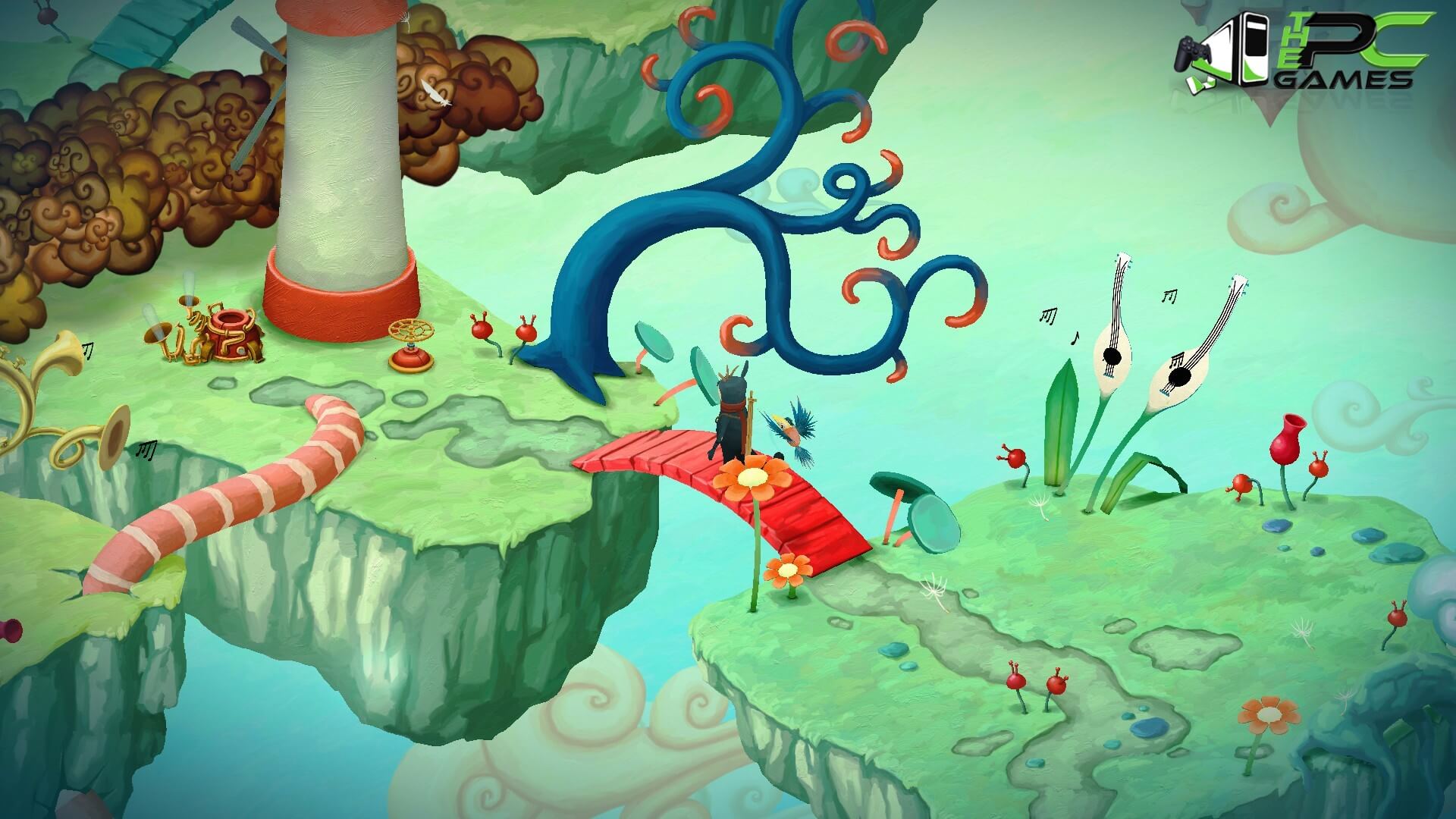
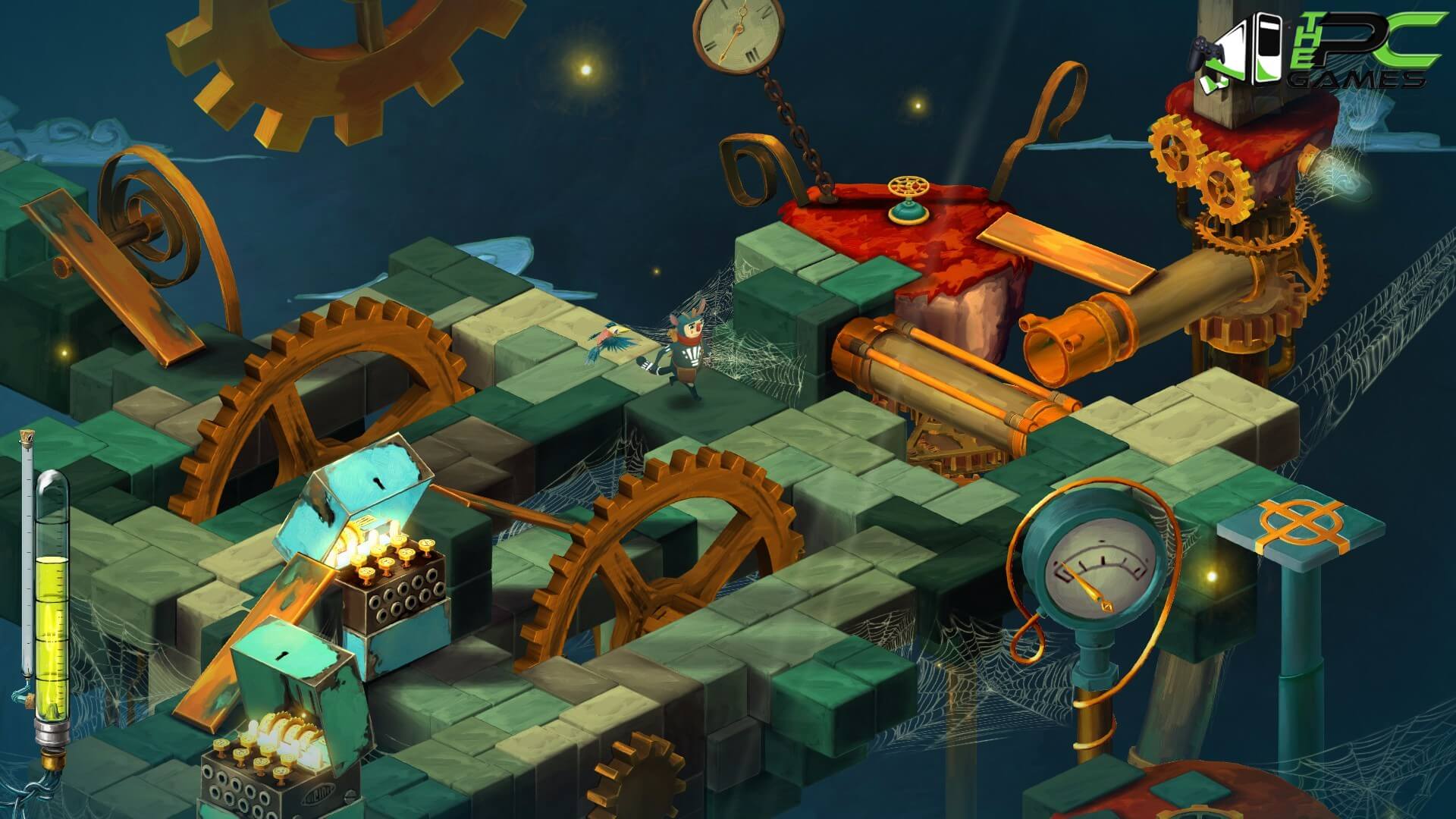
This mind has been quiet and calm for many years. But something has changed. New thoughts have started to emerge – taking the shape of nightmarish creatures who spread fear wherever they go. The only hope is for the grumpy Dusty, the mind’s former voice of courage, to get back to his old self and help the mind to face its fears.
Join Dusty and his ever-optimistic friend, Piper, on an adventure through the different sides of the mind, solving puzzles to set things straight, beating back the nightmares and seeking to restore the courage that’s been lost.
Figment is a charming 3D story-driven adventure puzzler with imaginative artwork and some of the best voice acting and music we’ve ever had the pleasure to behold.
Minimum Requirements
CPU: Intel Core i5 4670T @2.3 GHz, AMD FX 8370E @3.3 GHz
CPU SPEED: Info
RAM: 8 GB
OS: Windows 7/8/10
VIDEO CARD: Nvidia Geforce GTX 480, Nvidia GeForce GTX 580M, AMD Radeon R7-265 or equivalent
SOUND CARD: Compatible with DirectX 11
FREE DISK SPACE: 8 GB
Recommended Requirements
CPU: Intel Core i5 2500 @3.3 GHz, AMD FX 6120 @3.6 GHz
CPU SPEED: Info
RAM: 8 GB
OS: Windows 10
VIDEO CARD: Nvidia Geforce GTX 650 Ti, Nvidia GeForce GT 750M, Radeon HD5850 or equivalent
SOUND CARD: Compatible with DirectX 11
FREE DISK SPACE: 8 GB
INSTALLATION INSTRUCTIONS:
Download the game from download links given below.Right click on the downloaded game and click on “Extract here”. You need Winrar installed to do it.There are two folders given for 32 bit and 64 bit windows. open the one of your interest..
OR You can also open iso with software called “UltraISO”. Click on the “Mount to virtual drive” icon on the 3rd bar on top of UtraISO to mount it. Then go to the virtual drive and open it. This is usually just after My Computer.Once mounted or extracted, Right click on the file named “Setup.exe” and click on “Run As Administrator” to start the game installation.Wait for it to install the game on your pc.Once the installation is complete, open the folder named “Codex” and copy all the files from there and paste into the directory where you have installed the game. For example if you have installed game in “My Computer > Local Disk C > Program files > “FIGMENT” then paste those files in this directory.Click on replace if it asks for it.Right click on the game icon .exe and then click on “Run as Administrator” to start the game.EnjoyINSTALLATION INSTRUCTIONS FOR UPDATE:
Download the update from download links given below.Right click on the downloaded game and click on “Extract here”. You need Winrar installed to do it.Once extracted, Right click on the file named “Setup.exe” and click on “Run As Administrator” to start the update installation.Wait for it to install the update on your pc.Once the installation is complete, open the folder named “Codex” and copy all the files from there and paste into the directory where you have installed the update. For example if you have installed update in “My Computer > Local Disk C > Program files > “FIGMENT” then paste those files in this directory.Click on replace if it asks for it.Right click on the game icon .exe and then click on “Run as Administrator” to start the game.EnjoyFigment PC Game Free Download
应用截图




最新文章
更多- 魔兽世界wcl官网-最新入口地址直达 2026-02-06
- PICACG哔咔-手机app下载安装 2026-02-06
- 李庄白肉是什么梗?揭秘这道菜背后的网络流行语含义 2026-02-06
- 差差漫画免费版2026极速下载-差差漫画官网正版v1.0一键获取 2026-02-06
- 差差漫画-登录页面官网入口 2026-02-06
- 想知道李子梗是什么梗吗?揭秘网络热词李子梗的爆笑由来和用法,看完秒懂! 2026-02-06
最新更新
- 1 工业崛起2免安装中文版
- 2 匠人免安装绿色中文版
- 3 一回杀免安装绿色中文版
- 4 爆笑三国2免安装中文版
- 5 帝王牌局:古国纷争免安装绿色中文版
- 6 王国循环免安装中文版
- 7 兽灵纪元免安装绿色版
- 8 深井迷阵免安装绿色中文版
- 9 驯牌师免安装绿色中文版
- 10 茂林源记免安装绿色中文版